
A birthday that feels made for them.
Make a favorite drawing, photo or name part of their cake decoration. Give their celebration a detail with a story behind it.
HomeSparkThe creative app for your personal touch
Make birthdays, gifts and gatherings feel made for them. Turn a drawing, photo or message into a personal design in HomeSpark, then print compatible creations with EdiBot.
Use HomeSpark on its own. Food printing requires EdiBot.

Celebrate their imagination
Make a gift feel personal
Create a detail worth sharing
With EdiBot, you can make food personal using the drawings, photos and messages that matter to you. HomeSpark is where you prepare the design.
Make a favorite drawing, photo or name part of their cake decoration. Give their celebration a detail with a story behind it.
Add your own message to a suitable treat or edible decoration. Make a thank-you, a family gathering or a little surprise feel more thoughtful.
For bakers and event makers, personalize suitable creations with names, original artwork or logos. Save your designs in HomeSpark and adapt them for another occasion.
A drawing worth keeping. A message for someone special. Find your starting point in HomeSpark.
Bring a clear photo of a paper drawing into HomeSpark. Prepare the artwork, then add the details that make it personal.

Combine an image, a name or a message in Blank Canvas. Edit the layout and make a design for your person or occasion.

Explore the Ideas library, choose a project that catches your eye, and use it as inspiration for a design of your own.

Describe your idea, the occasion and who it is for. Review the starting point, then make the design your own.

Find your saved projects, revisit a favorite design and prepare a new version for another person or occasion.

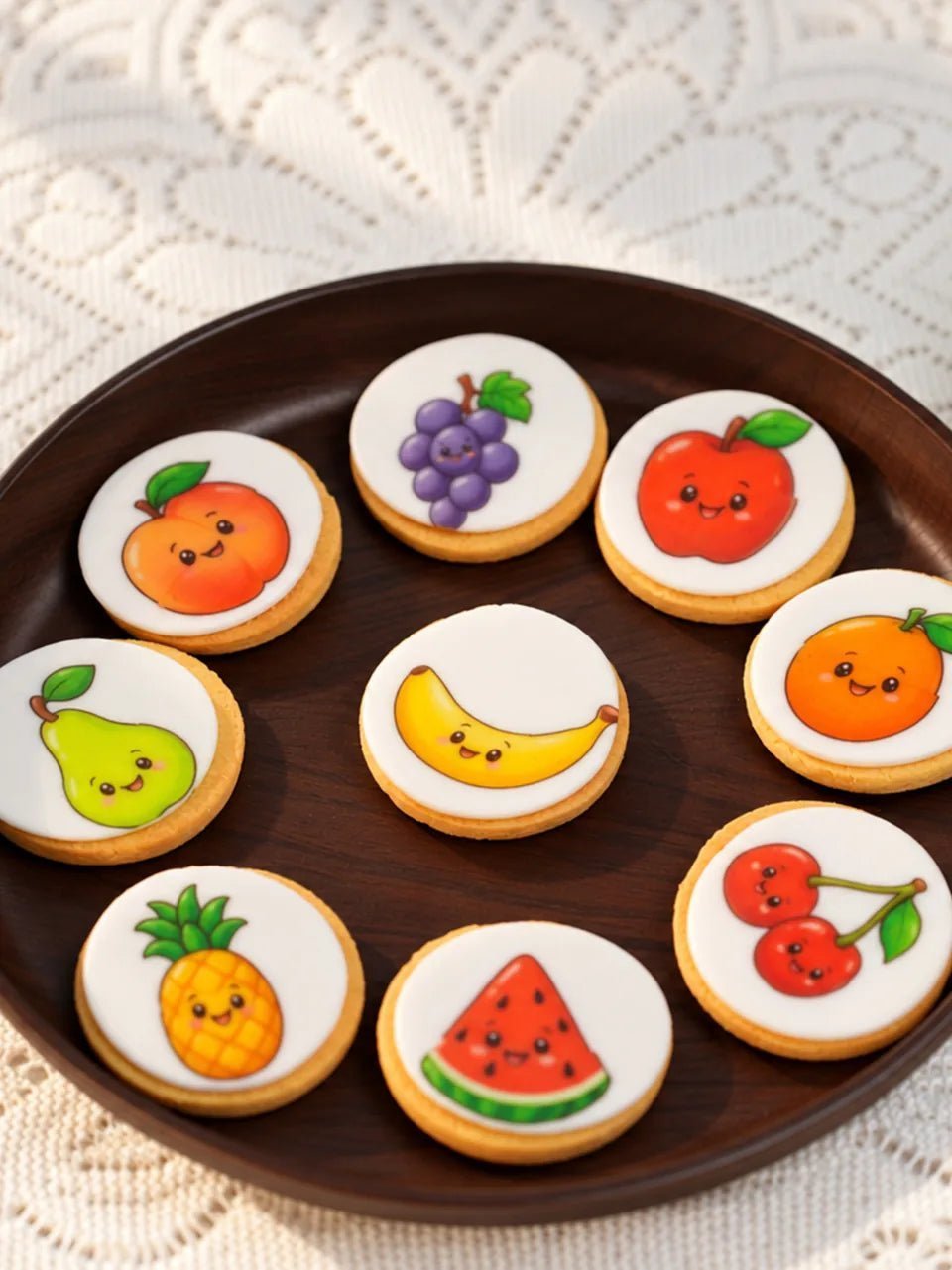
Turn your drawing or photo into a personal decoration for a cake or dessert. Upload, print and decorate with HomeSpark and EdiBot.
Upload a drawing or photo to HomeSpark. Adjust the size and add a name or message to make it yours.
Connect EdiBot and print your design on compatible edible paper using edible ink. Your artwork is ready to become a decoration.
Cut out the printed design and place it on your cake or dessert. Give your creation a finishing touch that is uniquely yours.
The drawing, photo or idea is yours. HomeSpark is where you make it a design. Download the app for iOS or Android.
KitchQ HomeSpark
Create and save in the app. Food printing requires EdiBot.
On your computer? Scan with your phone.


From your first design to your first print.
Talk to our teamYes. HomeSpark is a free creative app. See the current store listing and in-app information for feature availability and any optional charges.
No. You can create, save and share digital designs with HomeSpark on its own. EdiBot is required when you want to print compatible creations on food or edible printing material.
Look for KitchQ HomeSpark on the App Store or Google Play. Use the store buttons on this page to open the official listing. Android requires version 11 or later; check your store listing for current device compatibility.
Try Snap Drawing with a clear photo of a paper drawing, or open Blank Canvas with an image and a short message. Start From Idea opens the Ideas library; Describe Occasion helps you start with a person and an occasion.
Printing depends on your artwork, device, printable size and chosen surface. Check the EdiBot setup and surface guidance before preparing a physical project.
Yes. HomeSpark lets you save your creations and return to them. Keep a personal collection of designs for future moments.